๐Ÿ”
CLEARSIGHT
Senior reading prescription bottle with smartphone magnifier
Scientist inspecting biological sample with smartphone magnifier
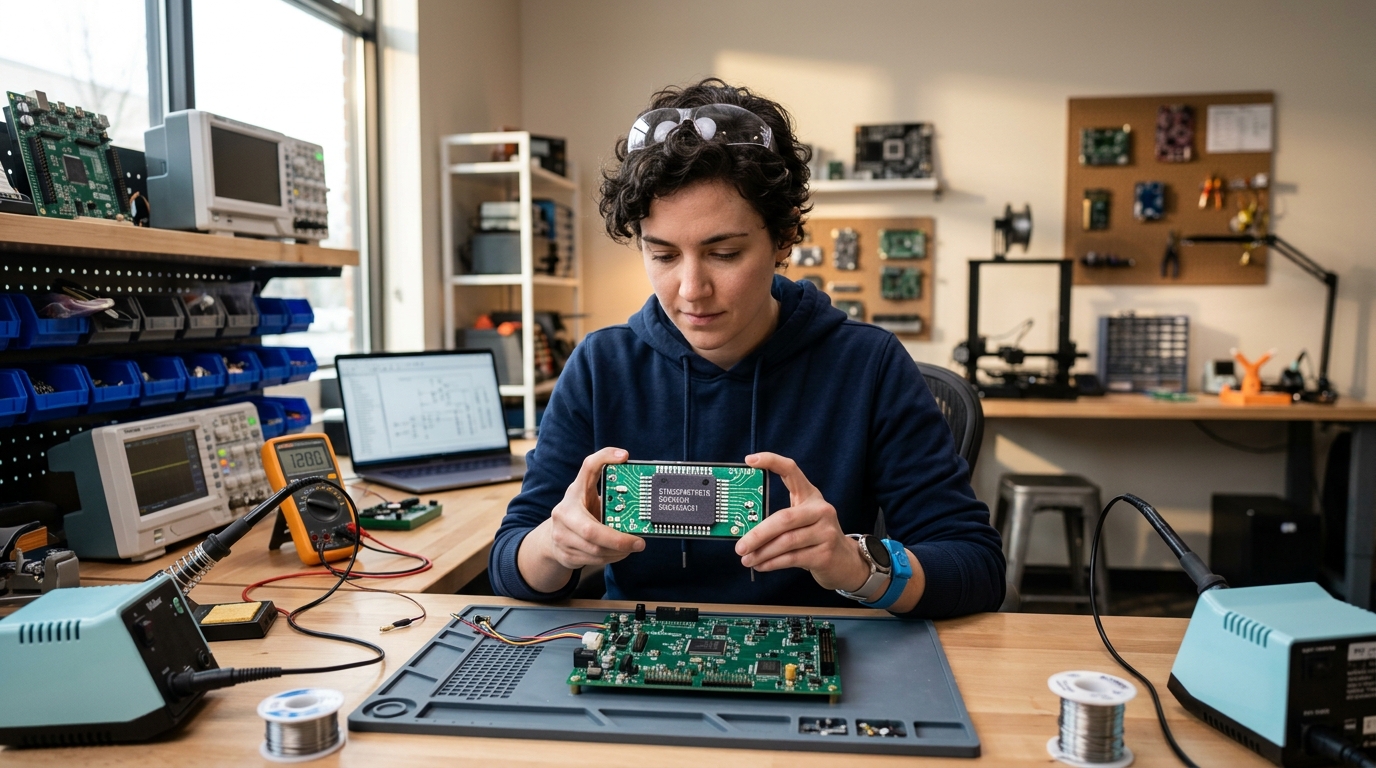
Electronics engineer reading microchip codes on circuit board
Woman checking nutrition and ingredients in supermarket
Craftsman inspecting fine watch details with smartphone light
๐Ÿ’Š Health & Daily Care 01 / 05

Effortlessly Read Small Medicine Labels & Expiry Dates

Eliminate eye strain and dosage confusion. Crystal-clear zoom and bright built-in light turn tiny prescription bottle print into easy, comfortable reading.

Interactive Smartphone Simulator โ€ข Test Drive ClearSight

Experience ClearSight Live
Virtual Optical Loupe Engine

Test our smooth zoom slider, toggle the bright LED light, switch everyday items, try high-contrast reading filters, and tap the freeze button for steady reading.

๐Ÿ”

50x Crystal Zoom

Instant sharp focus on tiny print

โธ๏ธ

Zero-Shake Freeze

Lock screen & read comfortably

โšก

Easy Reading Filters

High-contrast modes for tired eyes

๐Ÿ”ฆ

Built-In Torch Light

Read clearly even in dark rooms

1.0x LIVE
๐Ÿ”ฆ OFF โ— LIVE
Zoom Slider 1.0x
High Performance Optics

Engineered for Everyday Clarity

ClearSight solves the 3 biggest problems of traditional magnifying glasses: shaky hands, dim lighting, and eye strain.

๐Ÿ”

50x Smooth Digital Zoom

Combines sharp camera focus with smooth digital magnification. Read tiny serial numbers, product packages, and prescription labels effortlessly.

โธ๏ธ

Zero-Shake Freeze Frame

Tap once to pause the live screen. Once frozen, you can hold the phone comfortably and zoom in without worrying about shaky hands.

๐ŸŽจ

High-Contrast Reading Filters

Special reading color modes (Yellow on Black, Inverted Negative) designed to make faint, low-contrast print stand out clearly for tired eyes.

๐Ÿ”ฆ

Built-In LED Flashlight

One-tap bright LED light removes shadows when reading restaurant menus in dim light, checking household appliances, or reading medicine at night.

๐Ÿ”’

100% Private & Offline Ready

Works anywhere without an internet connection. Everything you view or freeze stays 100% private on your own phone.

๐ŸŒ

Multi-Language Support

Easy-to-use interface available in English (US & UK), German, Spanish, French, Italian, Japanese, and Korean.

Everyday Reading & Inspection Guides

Practical Ways to Use ClearSight

Discover how digital zoom and high-contrast modes make daily reading effortless.

Health & Daily Safety

How High-Contrast Reading Prevents Medicine Dosage Mistakes

Small text on curved medicine bottles and instruction leaflets is hard to read in normal room light. Yellow-on-black contrast makes every word sharp and clear.

Jewelry & Collectibles

Inspecting Fine Jewelry, Watch Details, Coins & Keepsakes

Instead of squinting through a tiny glass lens, use your phone screen with built-in light to comfortably view tiny engravings, watch markings, and collectibles.

Electronics & Home DIY

Reading Tiny Serial Numbers & Checking Small Electronic Parts

Whether you need to read a faint model number on the back of a router, check tiny circuit parts, or thread a needle, Freeze Frame locks the view steady.

Legal Transparency

Privacy Policy for ClearSight

Last Updated: September 2026

Solvion Studios ("we", "our", or "us") is dedicated to protecting your privacy. This policy explains data handling for the ClearSight: 50x Magnifier mobile application on Google Play.

1. Camera Permission

The application requests Camera permission solely to project the live optical viewfinder and capture user-initiated still frames for magnification. Camera frames are processed entirely on-device and are never uploaded, streamed, or recorded to any external server.

2. Google AdMob & Advertising

We utilize Google AdMob to deliver ads. Google AdMob may process non-sensitive device identifiers (such as Android Advertising ID) to deliver relevant ad content and combat invalid traffic in compliance with Google's Advertising policies.

3. Local Image Storage

When you choose to save a high-resolution frozen frame, the file is saved directly into your device's standard Photos/Gallery directory. We do not maintain any copy of your photos.

4. Contact Support

For questions or technical inquiries, contact our development team at: solvionstudios45@gmail.com.


For official Google Play compliance disclosures, read the complete policy.

Read Full ClearSight Policy โ†—