How High-Contrast Reading Prevents Medicine Dosage Mistakes
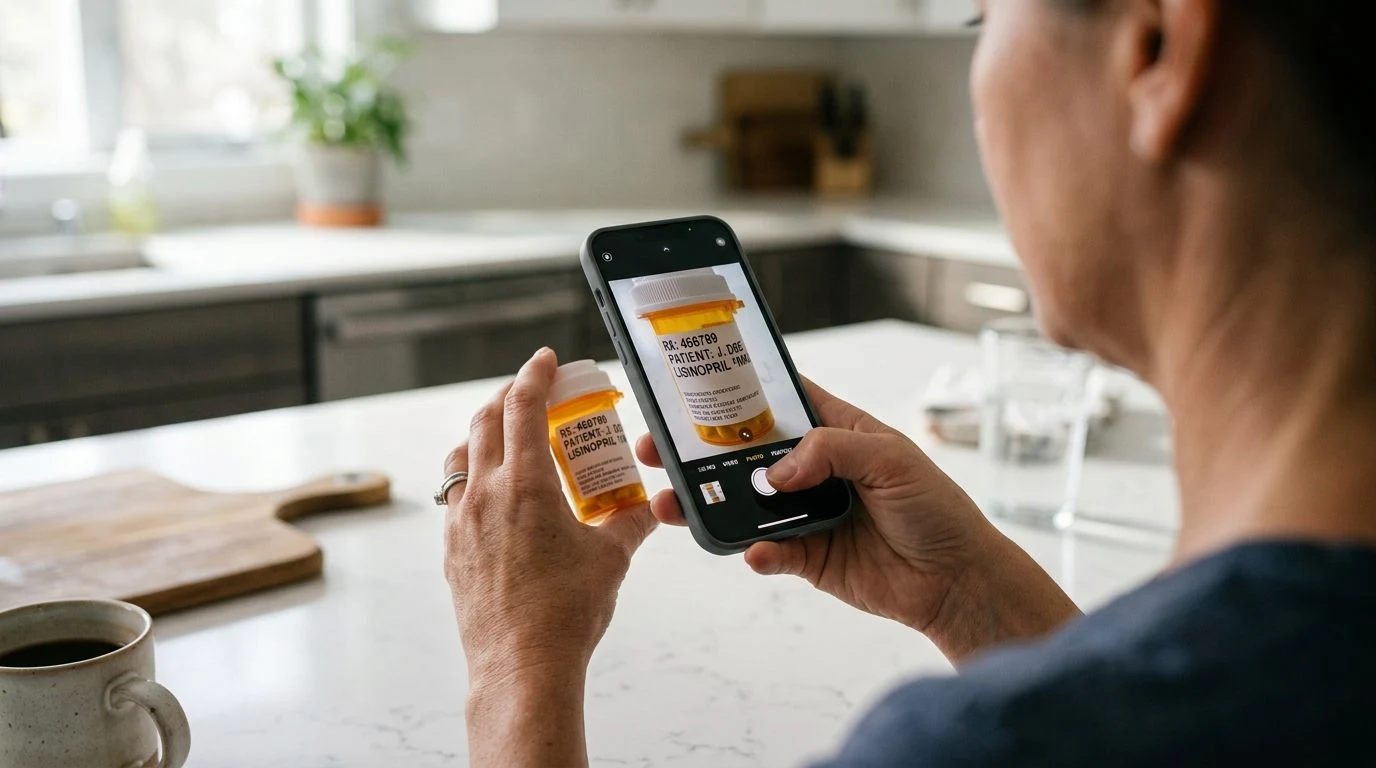
Small text on curved medicine bottles and instruction leaflets is hard to read in normal room light. Yellow-on-black contrast makes every word sharp and clear.
We create easy-to-use mobile apps for Android and iPhone — helping you read tiny writing, scan paper bills, hear conversations clearly, and measure everyday objects.
Click on any available app below to open its full website and try the live camera demo in a new tab.
Turn your phone into a clear magnifying glass to easily read tiny writing on medicine bottles, dim restaurant menus, and product labels without straining your eyes.
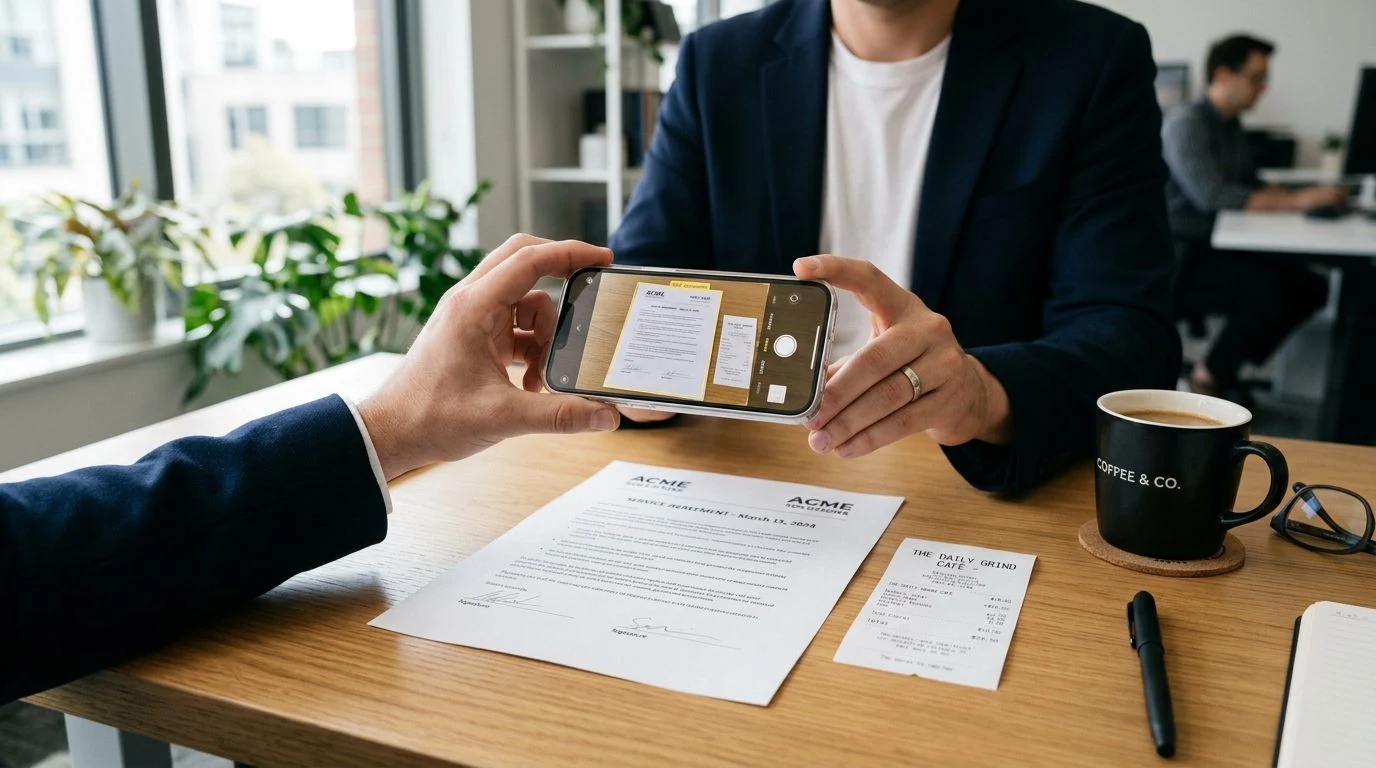
Take a quick photo of any paper, bill, receipt, or ID card to turn it into a clean, straight PDF document right on your phone.
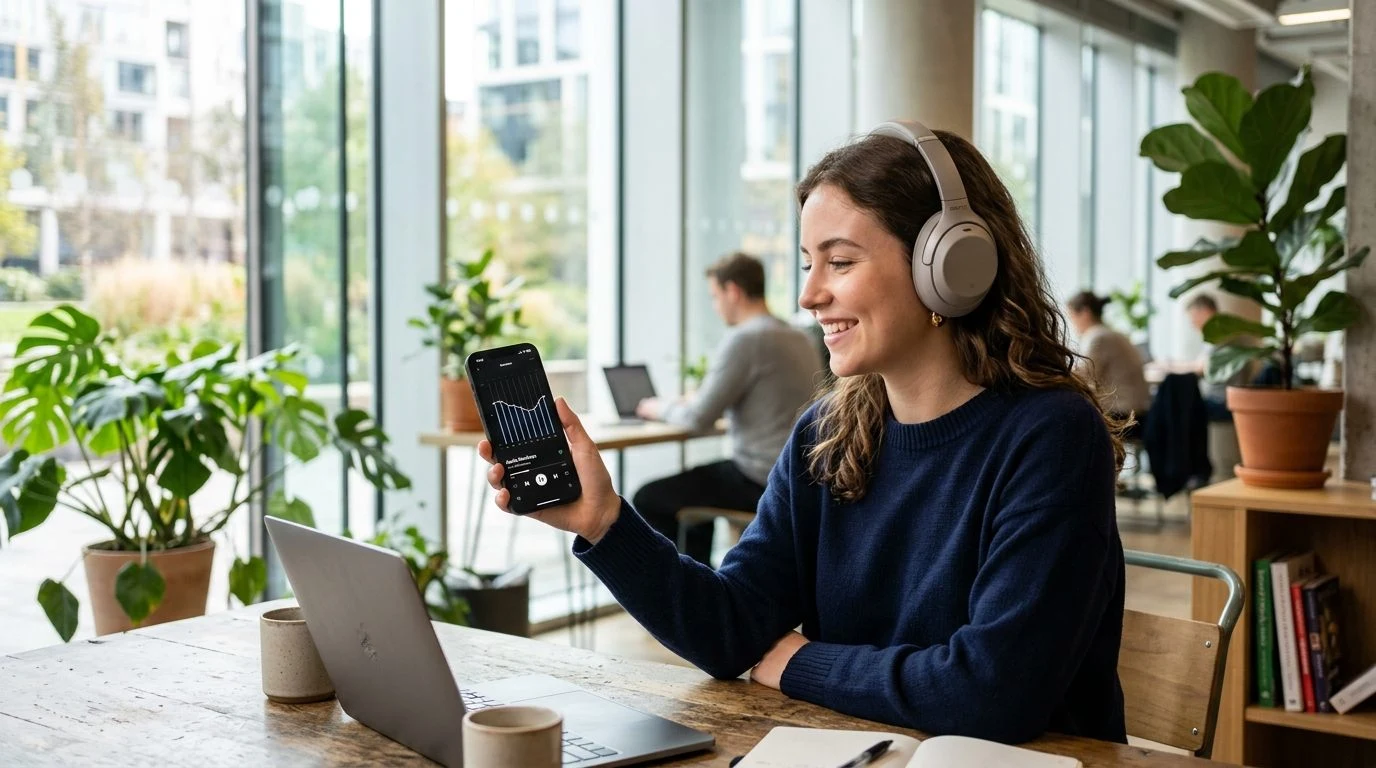
Helps you hear people talking more clearly when wearing headphones by making voices louder and cutting down background room noise.
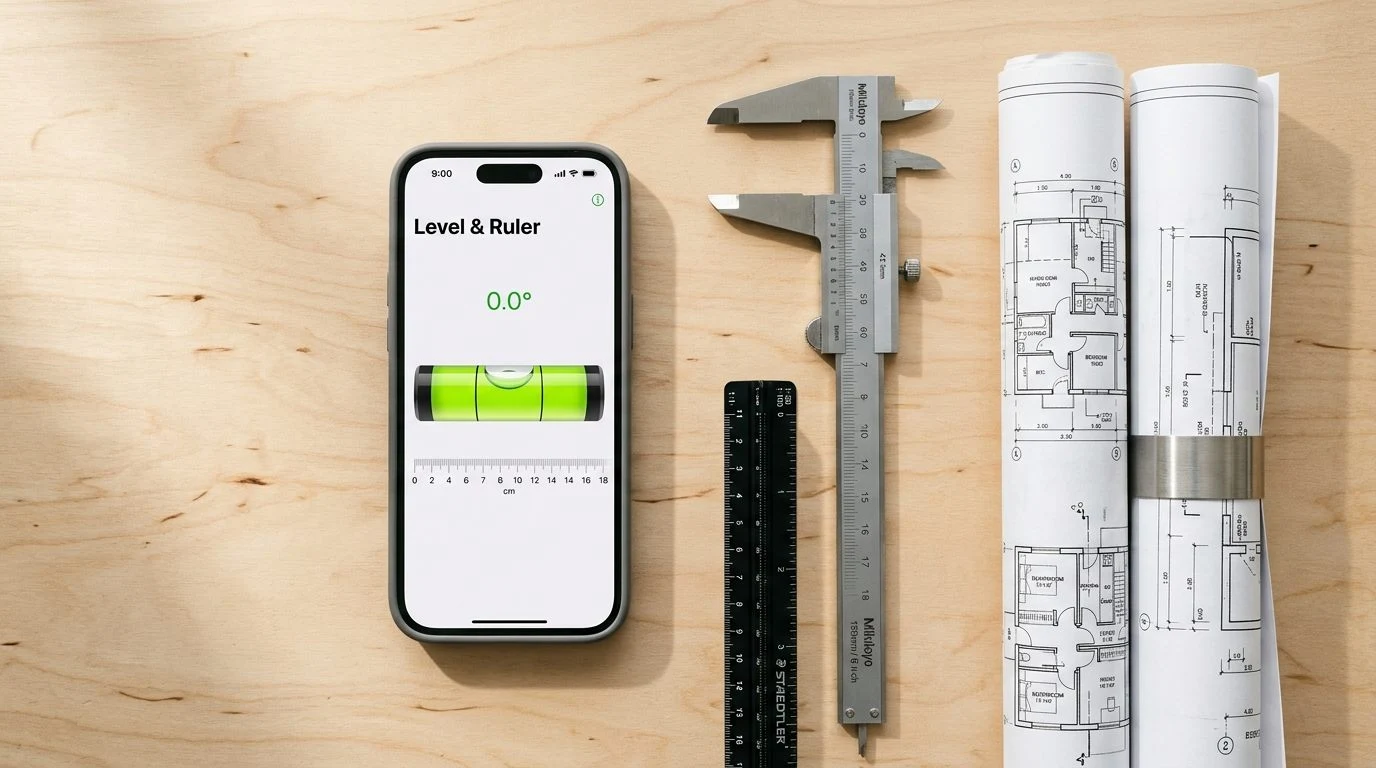
Useful home and daily measurement tools in one simple app—check if a picture frame is straight, measure small items with an on-screen ruler, or use the compass.
We make easy-to-use apps that open fast, don't waste your battery, and are comfortable for all age groups.
No waiting or complicated menus—open the app and start using the camera or tool right away.
Your camera view, saved photos, and scanned papers stay only on your phone and are never sent anywhere.
Use our apps in your own language with clear, easy-to-read words and full support for all 22 languages.
Large, clear buttons that are easy to tap with one hand, and you never need to create an account or log in.
Solvion Studios creates simple, practical apps for Android and iPhone. Instead of confusing apps packed with things you don't need, each of our apps is built to do one everyday job clearly, safely, and reliably.
Everything you view with the camera, zoom in on, or scan stays inside your own phone. We never upload your photos or documents.
Our apps only ask for what they need to work (like the Camera for magnifying) and never touch your contacts, messages, or location.
Have a question or need help with any Solvion Studios app? Email us anytime at solvionstudios45@gmail.com.
Explore our studio-wide privacy framework and individual application compliance policies.
Privacy Hub & App Policies ↗Eliminate eye strain and dosage confusion. Crystal-clear zoom and bright built-in light turn tiny prescription bottle print into easy, comfortable reading.
Test our smooth zoom slider, toggle the bright LED light, switch everyday items, try high-contrast reading filters, and tap the freeze button for steady reading.
Instant sharp focus on tiny print
Lock screen & read comfortably
High-contrast modes for tired eyes
Read clearly even in dark rooms
ClearSight solves the 3 biggest problems of traditional magnifying glasses: shaky hands, dim lighting, and eye strain.
Combines sharp camera focus with smooth digital magnification. Read tiny serial numbers, product packages, and prescription labels effortlessly.
Tap once to pause the live screen. Once frozen, you can hold the phone comfortably and zoom in without worrying about shaky hands.
Special reading color modes (Yellow on Black, Inverted Negative) designed to make faint, low-contrast print stand out clearly for tired eyes.
One-tap bright LED light removes shadows when reading restaurant menus in dim light, checking household appliances, or reading medicine at night.
Works anywhere without an internet connection. Everything you view or freeze stays 100% private on your own phone.
Easy-to-use interface available in English (US & UK), German, Spanish, French, Italian, Japanese, and Korean.
Discover how digital zoom and high-contrast modes make daily reading effortless.
Small text on curved medicine bottles and instruction leaflets is hard to read in normal room light. Yellow-on-black contrast makes every word sharp and clear.
Instead of squinting through a tiny glass lens, use your phone screen with built-in light to comfortably view tiny engravings, watch markings, and collectibles.
Whether you need to read a faint model number on the back of a router, check tiny circuit parts, or thread a needle, Freeze Frame locks the view steady.
Last Updated: September 2026
Solvion Studios ("we", "our", or "us") is dedicated to protecting your privacy. This policy explains data handling for the ClearSight: 50x Magnifier mobile application on Google Play.
The application requests Camera permission solely to project the live optical viewfinder and capture user-initiated still frames for magnification. Camera frames are processed entirely on-device and are never uploaded, streamed, or recorded to any external server.
We utilize Google AdMob to deliver ads. Google AdMob may process non-sensitive device identifiers (such as Android Advertising ID) to deliver relevant ad content and combat invalid traffic in compliance with Google's Advertising policies.
When you choose to save a high-resolution frozen frame, the file is saved directly into your device's standard Photos/Gallery directory. We do not maintain any copy of your photos.
For questions or technical inquiries, contact our development team at: solvionstudios45@gmail.com.
Scroll inside the phone screen, tap the language flags, test the slider & mobile navigation